
Help and support
Quick answers: CoinPoker faq for Canada
Straight answers on accounts, deposits, bonuses and safe play, written by the people who run the site.
View offers
CoinPoker help for new players in Canada
Welcome to the CoinPoker faq. We wrote this page for players in Canada who want quick, plain answers before they sign up or while they play. Each answer is short, and the sections below follow the order in which most players need them.
Players must be 19+ to use our site. If you are unsure about anything on your account, our support team is the place to start. The questions here cover the most common topics, from getting started to staying in control of your play.
Getting started with your account
Opening an account takes a few minutes. You register, confirm your details and then choose how you want to fund your play. We apply KYC checks, which means you may be asked to confirm who you are before certain actions on your account.
Keep your login details private and use a password you do not use anywhere else. If you ever lose access, contact support and we will walk you through the recovery steps. Good habits at the start save time later when you want to cash out.
Safe play and account tools
Playing should stay enjoyable. We give you tools to keep your play inside limits you choose yourself.
Deposit limits
We let you set deposit limits so spending never goes past the amount you decide on.
Self-exclusion
If you need a longer break, self-exclusion is available on your account. Contact support to start it.
KYC checks
Our KYC process helps keep accounts secure and protects you from misuse of your details.
Deposits, payments and the app
Players often ask how to fund an account and where to play. We accept Visa, Mastercard, Apple Pay, Google Pay and G Pay for card and wallet funding. Crypto fans can also use BTC, also called Bitcoin, for deposits.
Paying in and out
Pick the method that suits you at the cashier and follow the on-screen steps. Check the amount before you confirm, and keep an eye on any deposit limits you have set. If something looks wrong, stop and message support before trying again.
Playing on your phone
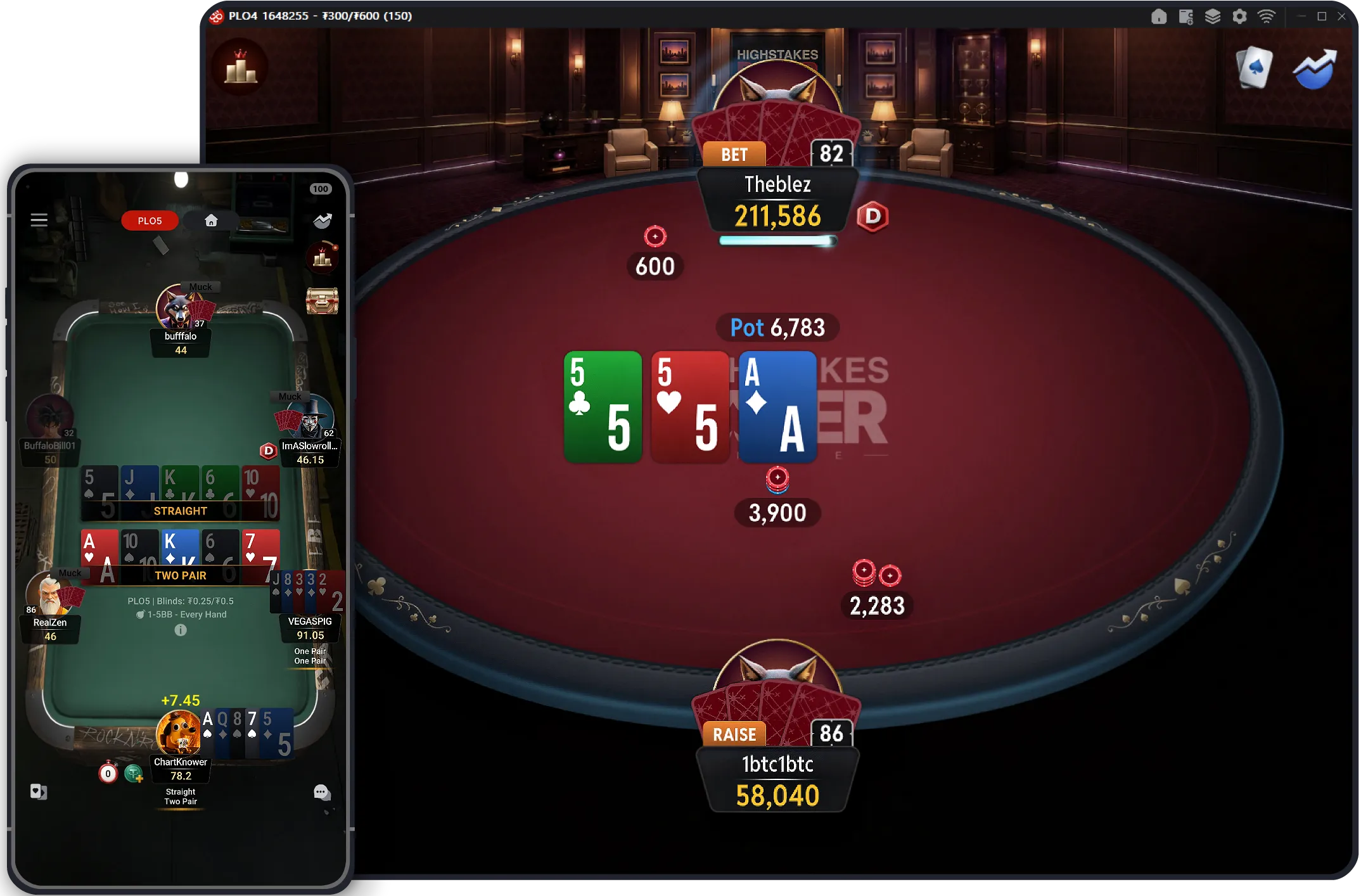
You can download the app and play on mobile whenever it suits you. The mobile experience keeps the same account, the same balance and the same tools as the desktop site. Our live dealer tables run with games from Evolution, and they work well on a phone screen.
| Topic | What it covers |
|---|---|
| Account tools | Deposit limits and self-exclusion |
| Verification | KYC checks on your details |
| Funding | Visa, Mastercard, Apple Pay, Google Pay, G Pay, BTC |
| Mobile | Download the app and play on the go |
Bonuses and promotions
Our offers change over time, so check the promotions page for what is live today. New players can claim a 150% Casino Welcome Bonus + 100 Free Spins, and poker fans can take the 150% Poker Welcome Bonus. Every welcome bonus comes with its own terms.
Wagering and free spins
A wagering requirement tells you how much you must play before bonus winnings can be withdrawn. Read it before you accept any offer, because it sets how far the bonus really stretches. Free spins follow the same idea, with their own rules for each game they cover.
VIP program
Regular players can move up through our VIP program. It rewards steady play with extra perks as you progress. Details of each level sit in the promotions area of the site.

Frequently asked questions
Short answers to the questions we hear most from players in Canada.
Ask supportHow do I contact CoinPoker support?
Use the support option in your account area and describe your question. Our team replies with clear next steps.
Which payment methods can I use?
We accept Visa, Mastercard, Apple Pay, Google Pay, G Pay and BTC. Choose your preferred option at the cashier.
Is there a welcome bonus?
Yes. We offer a 150% Casino Welcome Bonus + 100 Free Spins and a 150% Poker Welcome Bonus. Check the promotions page for full terms.
Can I play on my phone?
Yes. You can download the app and play on mobile with the same account you use on desktop.
How do I set a deposit limit?
Open your account settings and choose deposit limits. You can also contact support for help setting one.
What is self-exclusion?
Self-exclusion lets you step away from play for a period you choose. Ask support to put it in place on your account.
Why do you ask for KYC?
KYC checks confirm your identity and help keep your account and funds secure.